
Latest Version
Committed Code Ltd
Security
Mac
Free
1601987206
Report a Problem
More About Password Manager - Passcodes
A Modern Approach to Credential Security on Mac
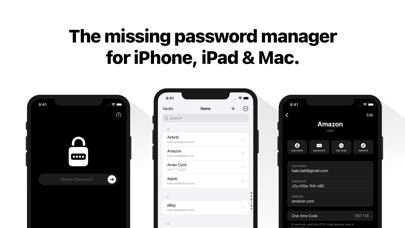
Managing digital credentials has become a complex task, but Password Manager - Passcodes simplifies the process. Developed by Committed Code Ltd, this utility is built specifically for users within the Apple ecosystem, offering a clean and intuitive interface for securing login details, passkeys, and multi-factor authentication codes on Mac, iPad, and iPhone.
By leveraging robust encryption standards alongside native cloud architecture, this application bridges the gap between high-grade security and daily convenience. Whether you are looking to replace basic browser-based auto-fill tools or seeking a dedicated security hub, this review explores what you can actually achieve with this software.
Key Capabilities: What Can You Do With It?
Unlike overly complex corporate security suites, this application focuses on practical, day-to-day usability. Here is how you can use it to streamline your digital security:
- Organize with Dedicated Vaults: You can keep your professional, personal, and shared family credentials strictly separated. This logical division ensures you never mix work logins with private accounts.
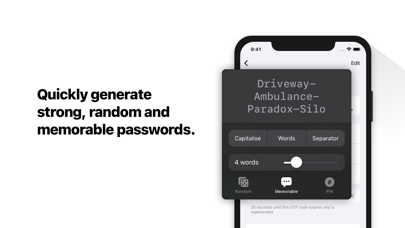
- Generate Strong Credentials: Instantly create unique, random, and memorable passwords or PINs that resist brute-force attacks.
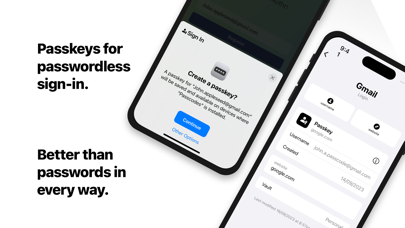
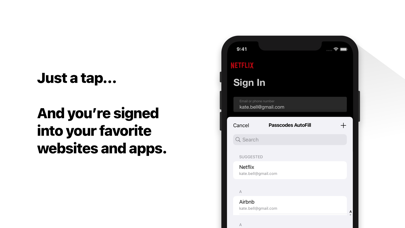
- Adopt Modern Passkeys: Transition away from traditional passwords by registering and signing in securely with passkeys.
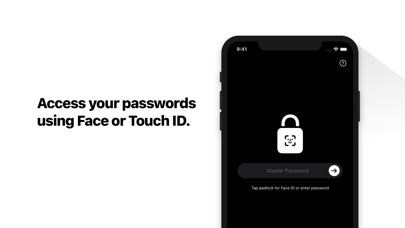
- Seamless iCloud Synchronization: Your database syncs across your devices using your personal iCloud account. Because it uses end-to-end encryption, only you hold the keys to decrypt your data.
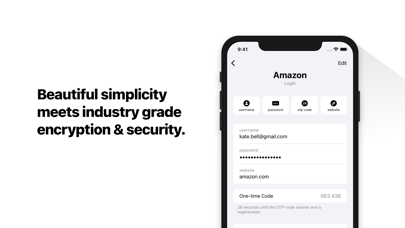
- Two-Factor Authentication: The built-in authenticator generates one-time verification codes (2FA), removing the need for a separate authenticator app.
Secure Collaboration and Sharing
Sharing login access with family members or team colleagues is often a security vulnerability. Password Manager - Passcodes addresses this by allowing secure vault sharing. Instead of sending sensitive passwords over insecure chat applications or emails, you can share access directly through encrypted vaults, maintaining credential integrity at all times.
Who Is This Security App For?
This software is ideal for Mac users who prioritize privacy but do not want to deal with complex configurations. By utilizing your own iCloud storage for synchronization, it eliminates third-party database hosting concerns. It is highly recommended for families looking to share streaming or household accounts securely, as well as professionals needing to segregate corporate credentials from personal data.
Getting Started
If you are ready to elevate your digital security posture with a streamlined, encryption-first utility, you can learn more about the application and install it directly from the official Mac App Store.
Rate the App
User Reviews


Popular Apps










Editor's Choice