

Latest Version
Zetetic LLC
Security
Mac
Free
437092903
Report a Problem
More About Codebook
The Everyday Password Struggle Meets Its Match
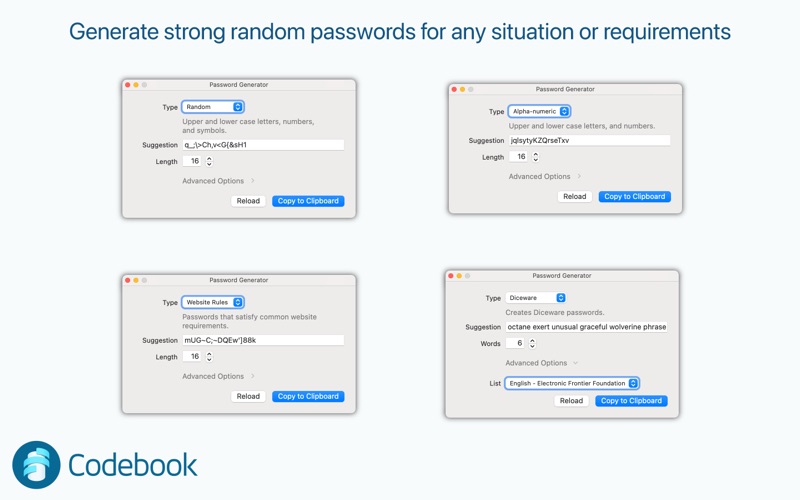
In our hyper-connected world, managing dozens of unique, complex passwords has become an absolute necessity. Yet, many of us still fall into the dangerous habit of reusing simple passwords because they are easier to remember. This compromises our digital security daily. Codebook Password Manager solves this fundamental problem by generating highly secure, randomized credentials and storing them safely behind a single, impenetrable master password.
Uncompromising Security Architecture
When evaluating a security utility, the underlying technology is what matters most. Codebook Password Manager does not cut corners when it comes to safeguarding your private credentials. Built upon the robust, open-source SQLCipher database engine, it provides complete 256-bit AES encryption in CBC mode for all stored information. To prevent brute-force attacks, the platform employs PBKDF2 SHA-256 key derivation with 256,000 rounds.
Furthermore, the application ensures that temporary data is handled with extreme caution. It automatically clears your clipboard two minutes after copying sensitive information, protecting you from background applications that might monitor clipboard activity. It also features configurable field masking to keep your passwords hidden from wandering eyes in public spaces.
Key Features of Codebook Password Manager
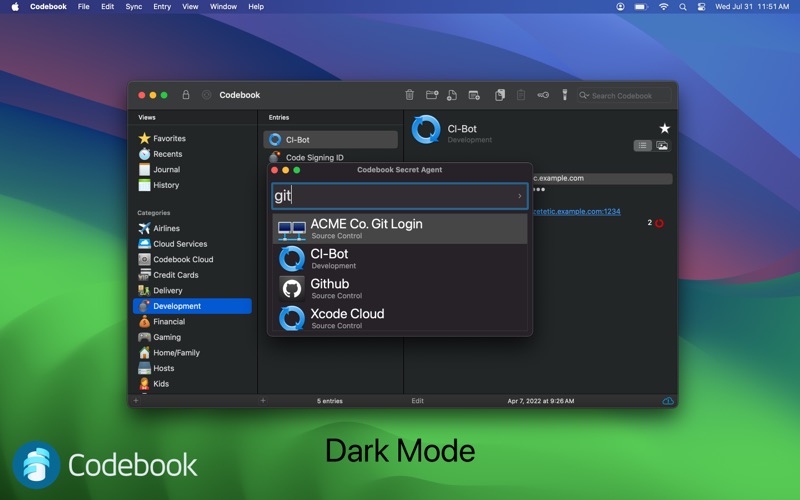
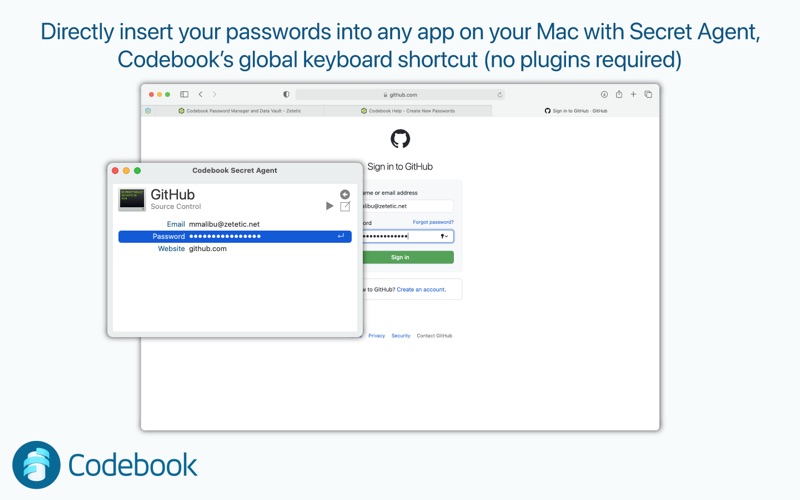
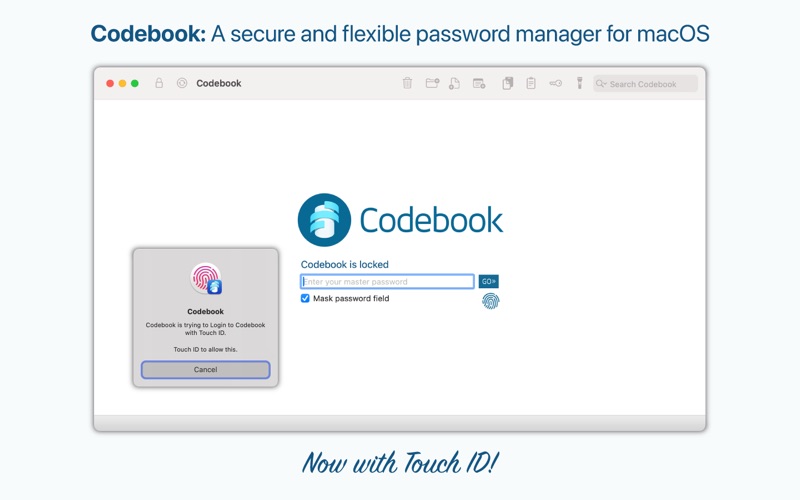
- Seamless macOS Integration: Enjoy native support for AutoFill Passwords in macOS, quick biometric login with Touch ID, and a universal keyboard shortcut to fill credentials in any application instantly.
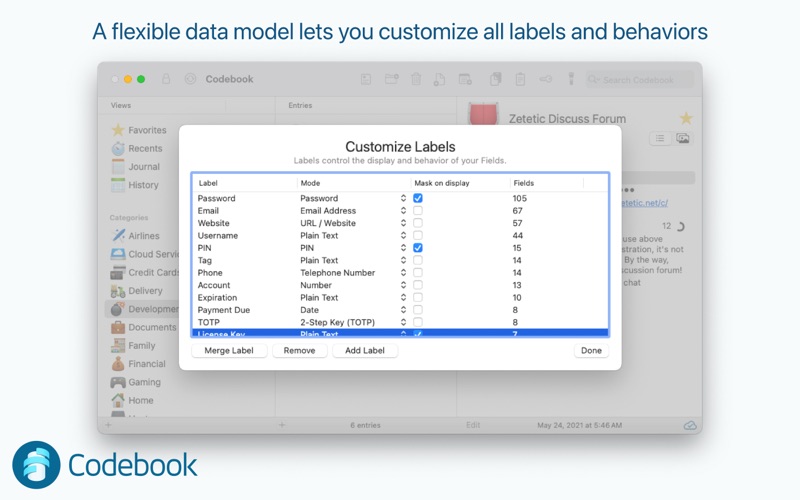
- Flexible Data Customization: Unlike rigid platforms that force you into templates, this utility lets you personalize categories, customize labels, and store free-form notes or even SSH connection strings.
- Advanced Password Auditing: The built-in Password Review tool cross-references your credentials with the HaveIBeenPwned database to identify leaked or compromised passwords.
- Secure Document Storage: Keep more than just text safe by storing sensitive PDFs and images (up to 10MB per file) directly within your encrypted database.
Who Is This Security Solution For?
This software is tailored for macOS users who demand complete control over their local data without sacrificing modern conveniences like cloud synchronization. Whether you are a system administrator managing SSH keys, a remote professional protecting corporate credentials, or an everyday user looking to step up your personal cyber hygiene, its flexible data model adapts perfectly to your organizational style.
Is It the Right Choice for Your Mac?
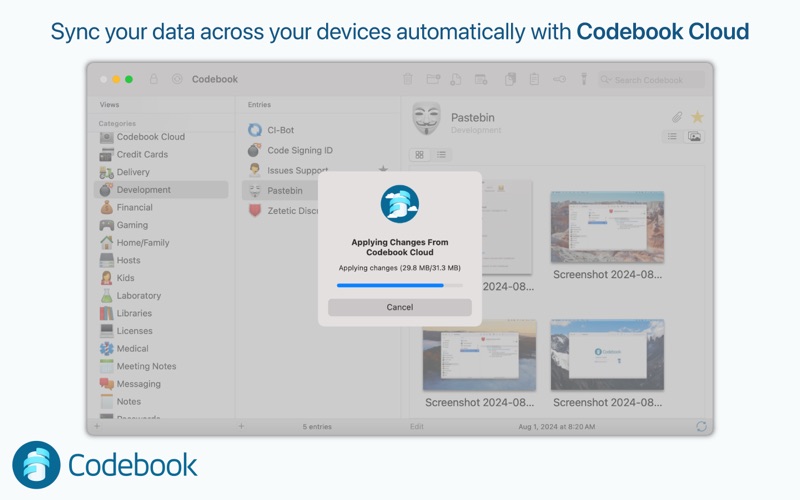
Developed by Zetetic LLC, this utility stands out as a mature, trustworthy guardian of sensitive information that dates its pedigree back to the earliest mobile organizers. If you are looking for a reliable, highly customizable vault that respects your privacy and integrates beautifully with macOS, Codebook is a premier choice. You can explore the application and check out its subscription options for cloud synchronization by visiting the official Mac App Store page.
Rate the App
User Reviews



Popular Apps










Editor's Choice