

Latest Version
AnchorFree, LLC
Security
Mac
Free
1602238720
Report a Problem
More About Passwatch - Password Manager
The Modern Security Dilemma: Solved
Imagine sitting down at your Mac to complete an urgent online transaction, only to realize you cannot remember the complex string of characters for your bank or retail account. Instead of initiating a frustrating password reset cycle, a dedicated security tool can instantly handle the heavy lifting. Passwatch - Password Manager is designed to alleviate this digital friction by serving as a highly secure, centralized vault for your sensitive credentials and private data.
What is Passwatch - Password Manager?
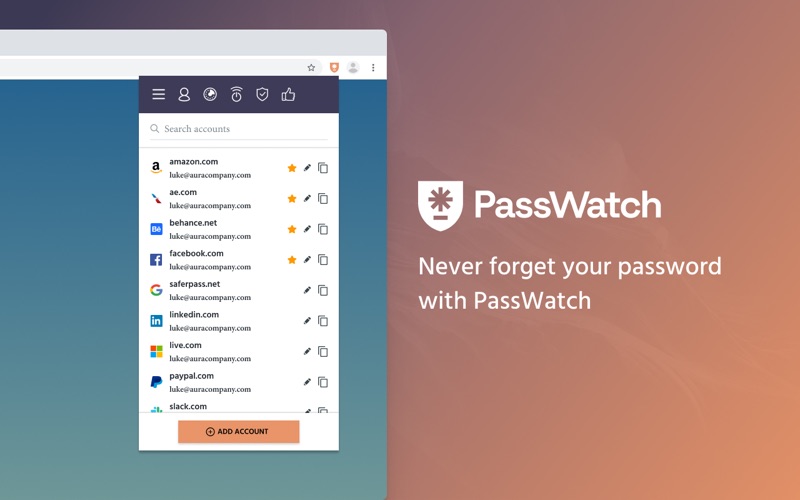
Developed by AnchorFree, LLC, Passwatch - Password Manager is a specialized utility categorized under digital security. Built specifically to streamline how you access, manage, and share your online profiles, this platform ensures you only ever have to memorize a single master password. From that point forward, the application automates the tedious task of keying in login credentials across various websites and online services on your Mac.
Key Features and Security Capabilities
This credential manager is packed with practical features designed to keep your digital identity safe without sacrificing convenience:
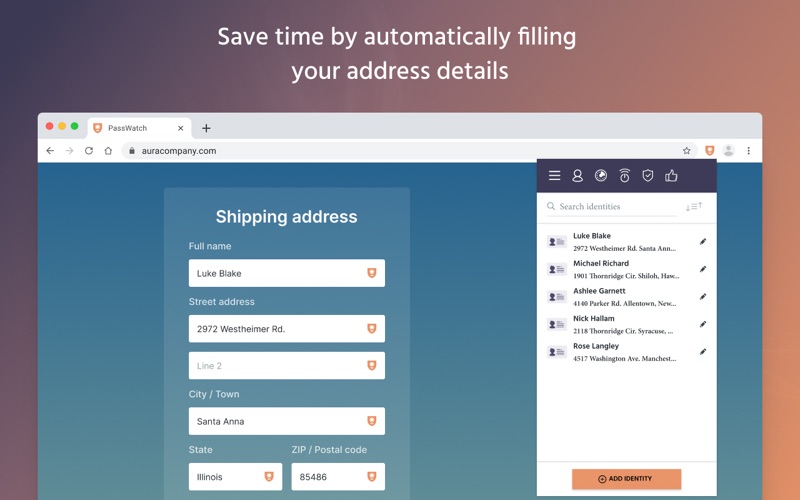
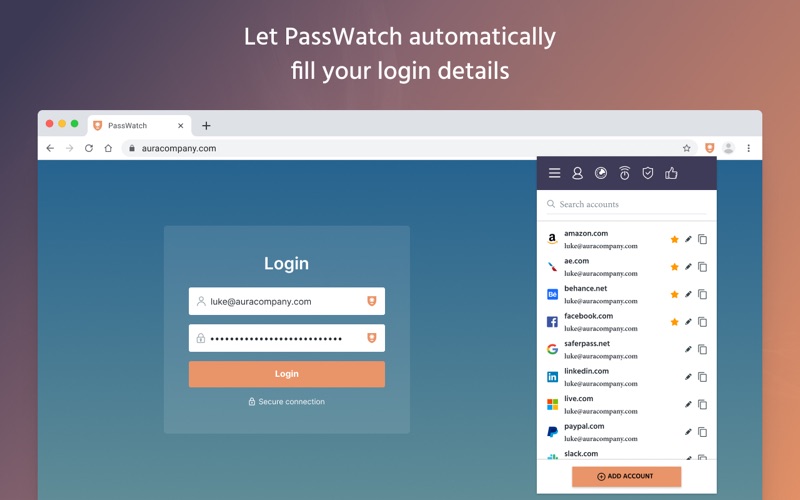
- Deeply Integrated Autofill: Seamlessly integrate with popular web browsers to quickly populate login forms. With system-level support, you can open a login page and let the tool automatically input your stored username and password.
- Offline Encryption: Your sensitive data is encrypted locally on your device. This offline-first approach ensures that your passwords remain exclusively yours, protected from external server vulnerabilities.
- Two-Factor Authentication (2FA): Add an extra layer of defense to your digital vault with robust secondary verification protocols.
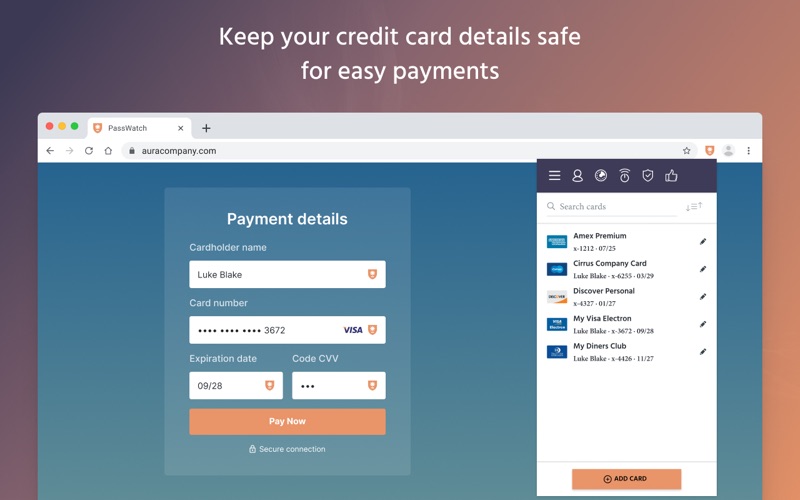
- Credit Card Storage: Safely organize your payment card details within the encrypted vault to make online checkout secure and efficient.
- SecureMe Remote Control: A unique security feature that allows you to remotely log out of websites, clear your browser history, delete cookies, and close active tabs to prevent unauthorized access.
- Comprehensive Security Reports: Receive actionable insights about the strength of your saved credentials and find out if any of your accounts require immediate updates.
Who is This Security App For?
Passwatch - Password Manager is engineered for busy individuals who manage dozens of online accounts across professional and personal spheres. If you struggle to maintain unique, highly complex passwords for every website you visit, transitioning to this structured manager will significantly upgrade your cybersecurity posture while saving you time daily.
Our Editorial Verdict
In an era where digital security breaches are increasingly common, relying on basic or repeated passwords is a major risk. This utility offers a seamless balance of robust local encryption and user-friendly automation. If you are ready to secure your digital footprint on Mac, we highly recommend exploring the official release. You can learn more and get the application directly from the Official Mac App Store.
Rate the App
User Reviews



Popular Apps










Editor's Choice